
Camera coverage · Bangalore
CCTV Camera Installation in Bangalore
A camera can be switched on and still miss the detail you need. Position, height, angle, light and cabling all affect what it records. Installation should start with the view, then work back to the camera and connection.
For homes, apartments, offices, shops and commercial premises.
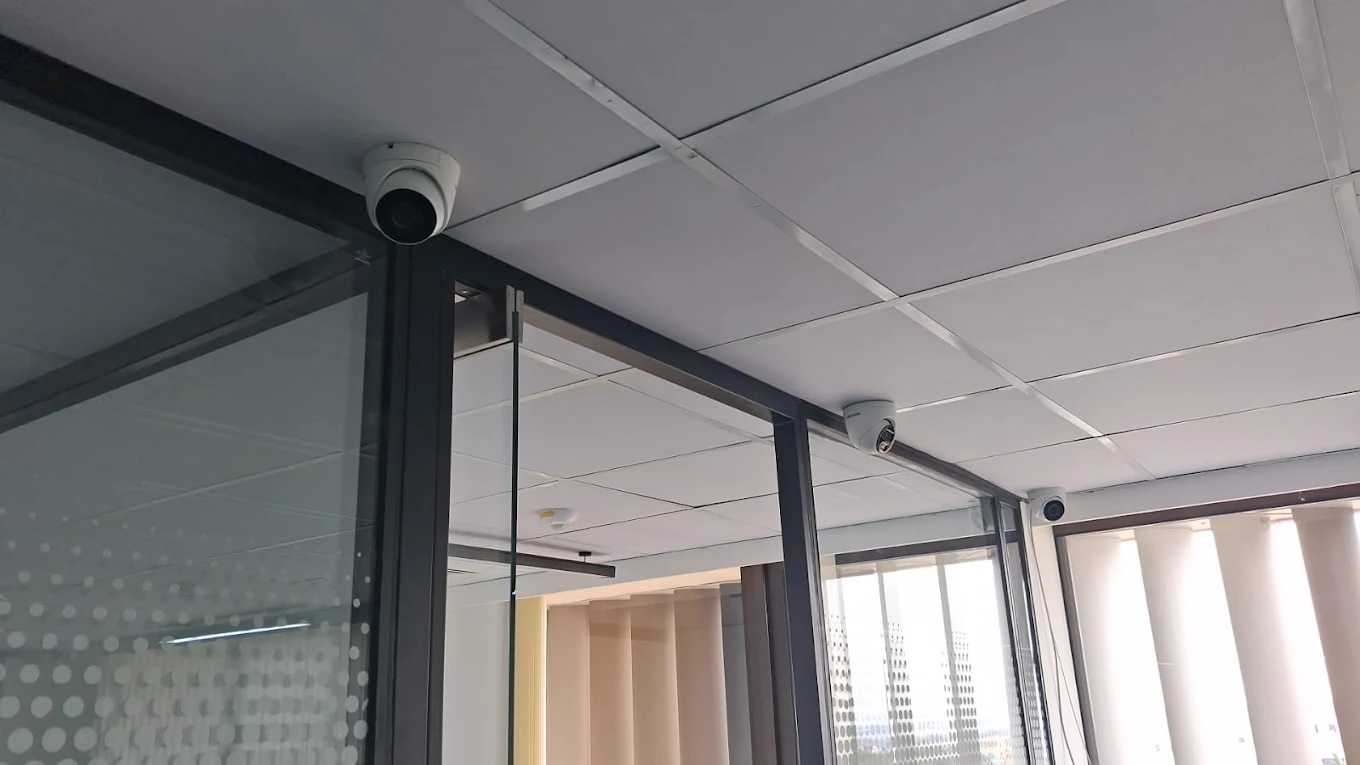
Start with the picture you need
Installing a CCTV camera is not just fixing a device to a wall. A camera may show that someone entered without showing enough detail to recognise a face. A bright doorway can turn a person into a silhouette; a high angle can see a wide area but miss useful detail. The position and final adjustment decide what the footage is good for.
This page looks specifically at selecting, positioning, mounting, wiring and checking cameras. For the wider service—including system planning, recorder and storage choices—see complete CCTV installation in Bangalore.
From site requirement to final view
Professional CCTV Camera Installation in Bangalore
Start with what the owner needs to review: a gate approach, counter, parking entrance or corridor. Then check the site. A drawing or camera count will not show pillars, ceiling access, glare or the practical route to the recorder.
Compare camera positions against the view, mounting surface, light, cable path and available power or network. Mount the cameras, make compatible connections and configure recording for the selected system.
Before handover, check live images and playback, adjust angles, review day or night views and confirm each channel is recording. Test requested mobile access where supported; a live picture alone does not confirm stored footage can be played back.
A camera is only useful if it sees the right thing
Why CCTV Camera Placement Matters
Two nearby mounting points can produce very different footage. Height and distance affect how a face or vehicle appears. A wide view may help with general monitoring, while identification needs more detail where a person approaches; one camera may not do both equally well.
Check the view for walls, pillars, gates, branches, parked vehicles, bright windows and direct sun. At a large entrance, decide whether movement is enough or whether a closer view is needed. A second angle may help, depending on the layout.
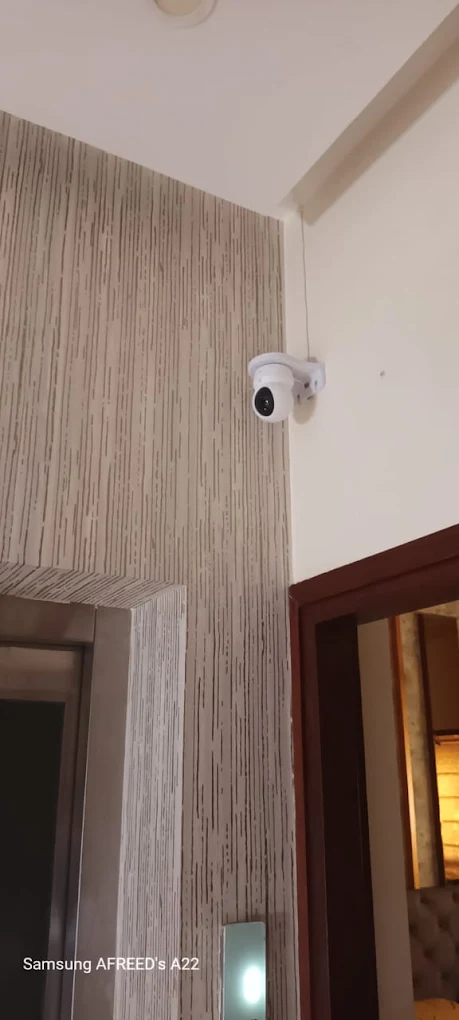
Map the approach and activity
Where Should CCTV Cameras Be Installed?
Begin with access routes and the activity to review. Keep views within appropriate areas; in shared buildings, check permissions before covering corridors, lobbies or parking.
Main Entrance
Cover the door or gate and its approach. Check whether a face is visible as someone arrives; a bright outdoor background may call for a different angle or closer view.
Parking Area
Choose whether to monitor vehicle movement, the entry and exit, or a particular bay. Headlights and shadows change night footage, and a wide view may lose detail at distance.
Staircases and Corridors
Check turns, landings, nearby doors and the direction people travel. Long passages can leave blind corners if the camera only covers the centre.
Back Entrance and Service Areas
Cover secondary doors, delivery points and less-visible routes. Include the approach and check that stored items or gates will not block it.
Shops and Cash Counters
Entrances, billing counters and stock areas may need separate views. Arrange the sight line around shelves and displays that can move.
Office Areas
Reception, corridors and equipment rooms have different purposes. Limit views to appropriate work areas and consider who may access recordings.
Warehouses and Commercial Premises
Check distance across gates, loading bays and aisles, including changing light, vehicles and stacked goods that can obstruct the view.
Count follows coverage
How Many CCTV Cameras Do You Need?
Camera count follows the layout and what each view must show, not floor area alone. Floors, gates, parking, blind spots, light and identification needs all matter. A room overview may not show detail at its doorway.
These are examples, not fixed recommendations. Mark where footage should show presence, direction or detail, then check whether one camera can cover each view.
Select for the scene
Choosing the Right CCTV Camera
Decide what the camera must show before selecting it. Compare distance, lens, angle, mounting point, lighting, exposure and recorder connection; a doorway and an open parking area need different views.
More resolution cannot fix poor aim, distance, lens mismatch or glare. Sensor, lighting, compression and recording settings also affect detail. Check recorder, storage and network capacity as well as megapixels.
Form and location
CCTV Camera Types
Dome Cameras
The rounded housing is often used indoors on ceilings or walls. Check the actual lens direction and view; the housing shape does not determine its coverage.
Bullet Cameras
The visible, directional form can suit an approach or outdoor edge. Plan its aim, mount and cable protection for the location.
Turret Cameras
Some turret models allow aiming after mounting. Check the specific camera’s adjustment range and intended use.
Outdoor CCTV Cameras
Consider sun, rain, dust, stable mounting and exposed connections. Use a model specified for the environment and check night lighting and reflections.
Indoor CCTV Cameras
Plan around windows, lights, beams and furniture while keeping views away from inappropriate private areas.
There is no universal indoor/outdoor rating across all models. Verify the specific camera documentation and system compatibility before installation.
Resolution in context
CCTV Camera Resolution—2MP, 4MP, 5MP and More
Megapixels describe image size, not how useful every part will be. A distant gate in a 4MP wide view may show less face detail than a closer camera. Lens, focus, sensor, light, compression and recorder settings all affect the result.
Higher-resolution streams can use more storage and network capacity. Match resolution to the intended view and recorder; test important details in a recorded clip.
Daylight is only one condition
CCTV Night Vision and Low-Light Installation
Daylight footage can look different after dark. Infrared can help a compatible camera in low light, but results depend on the device and scene; glass, dust or nearby surfaces may reflect its light.
Check streetlights, headlights and bright doorways. Backlight can darken a face and headlights can wash out the view. Test the night scene where possible and adjust the camera direction or lighting.
Frame the useful area
Camera Angle and Field of View
Field of view is how much of a scene appears in frame. A wide view covers more space but makes distant subjects smaller; a narrower one can show more detail along an approach.
Height, tilt and distance all matter. Use a broad view for general monitoring or test a closer view for entrance detail. Avoid angles that show mostly the top of a head or are blocked by objects.
Plan the route to each camera
CCTV Camera Wiring and Cable Installation
IP cameras commonly use Ethernet such as CAT6 where appropriate. Some support Power over Ethernet (PoE), which carries power and data on one cable; confirm the device and network equipment support it.
DVR cameras often use compatible coaxial cable, with separate or combined power. Match signal, connectors, cable distance and recorder inputs. CAT6 is not a universal coax replacement.
Plan concealed routes through suitable conduits or ceiling spaces. Protect exposed surface runs and account for bends, distance, terminations and labels. Test each connection at the recorder.
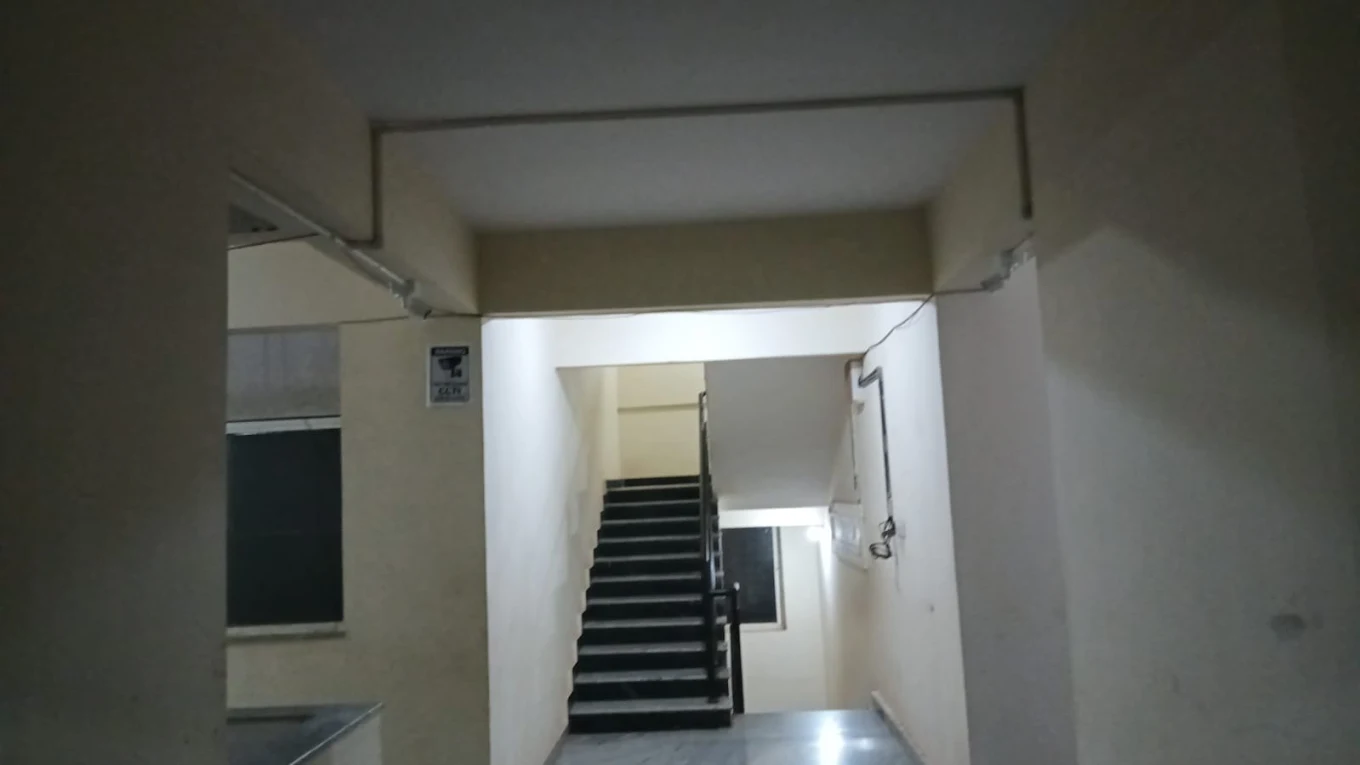
A stable base for a useful view
CCTV Camera Mounting
Use a stable wall, ceiling, pole or other suitable structure that will not shift or vibrate. For exterior mounting, consider weather exposure and protect the cable entry appropriately.
Leave access for inspection and cleaning. Keep the lens clear of beams and eaves, make a neat cable entry, then check the angle again after tightening the mount.
The room and route shape the plan
CCTV Camera Installation for Different Properties
Home CCTV Camera Installation
Consider entrances, driveway or parking, rear access and staircases. Keep cameras on your own spaces, away from neighbours’ private areas.
Villa CCTV Camera Installation
Multiple floors, gates and side paths can create long views. Plan recorder location and cable routes with camera positions.
Apartment CCTV Camera Installation
Focus on permitted private areas. Get approval before covering shared lobbies, corridors, lifts or parking.
Office CCTV Camera Installation
Reception, corridors and equipment rooms need different views. Consider changing layouts and access to footage.
Shop CCTV Camera Installation
Plan the entrance, counter, aisles and stock views around shelves and displays.
Warehouse CCTV Camera Installation
Check distance across aisles, loading areas and gates, including the effect of vehicles and stacked goods.
Commercial CCTV Camera Installation
Map approaches, work areas and restricted access points together with cable paths and recorder location.
The camera is one part of the path
Connecting CCTV Cameras to a DVR or NVR
A common IP path is camera → Ethernet or supported PoE → NVR → storage. A DVR path is camera → compatible coax and power → DVR → storage. The recorder provides live view and, where configured, network access.
Match signal, recorder inputs, resolution and power; a cable reaching the recorder does not confirm compatibility. See NVR installation in Bangalore or DVR installation in Bangalore for recorder details.
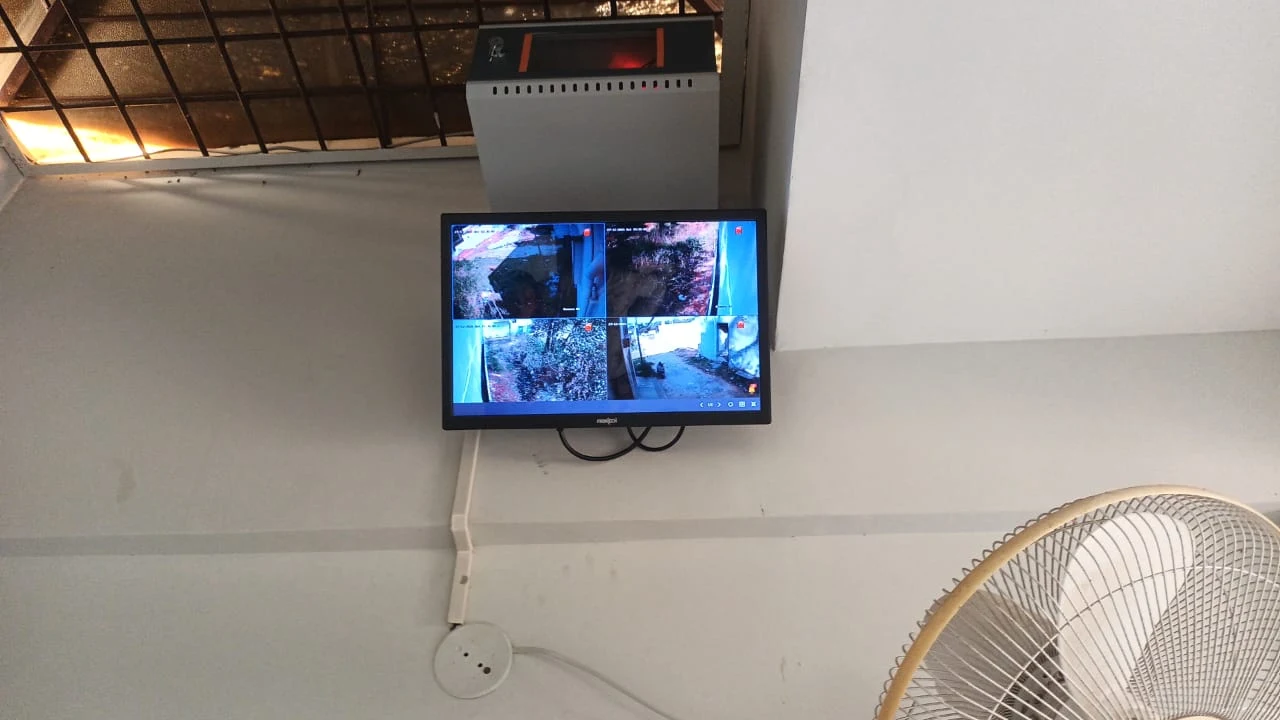
Remote access depends on the equipment
CCTV Camera Mobile Viewing Setup
Remote viewing usually needs the recorder on the property network, a compatible app and an authorised user account. Configure supported access and test live view and playback on the customer’s phone.
Many systems record locally even when internet access is unavailable, though remote viewing may stop. Confirm the behaviour of the equipment; cameras and recorder still need power.
Do not stop at a live image
Testing CCTV Cameras After Installation
Check each live channel, recorded playback and planned camera angle. Review clarity at the expected distance, including after dark where that condition matters.
- Confirm every camera appears on the intended channel and has a useful name.
- Check recording and open playback for each camera; verify date and time.
- Review the frame for blind spots, backlight, glare and new obstructions.
- Check night view where it is part of the requirement.
- Test the network and requested mobile viewing on the customer’s device.
- Explain how to view cameras and find recordings on the installed system.
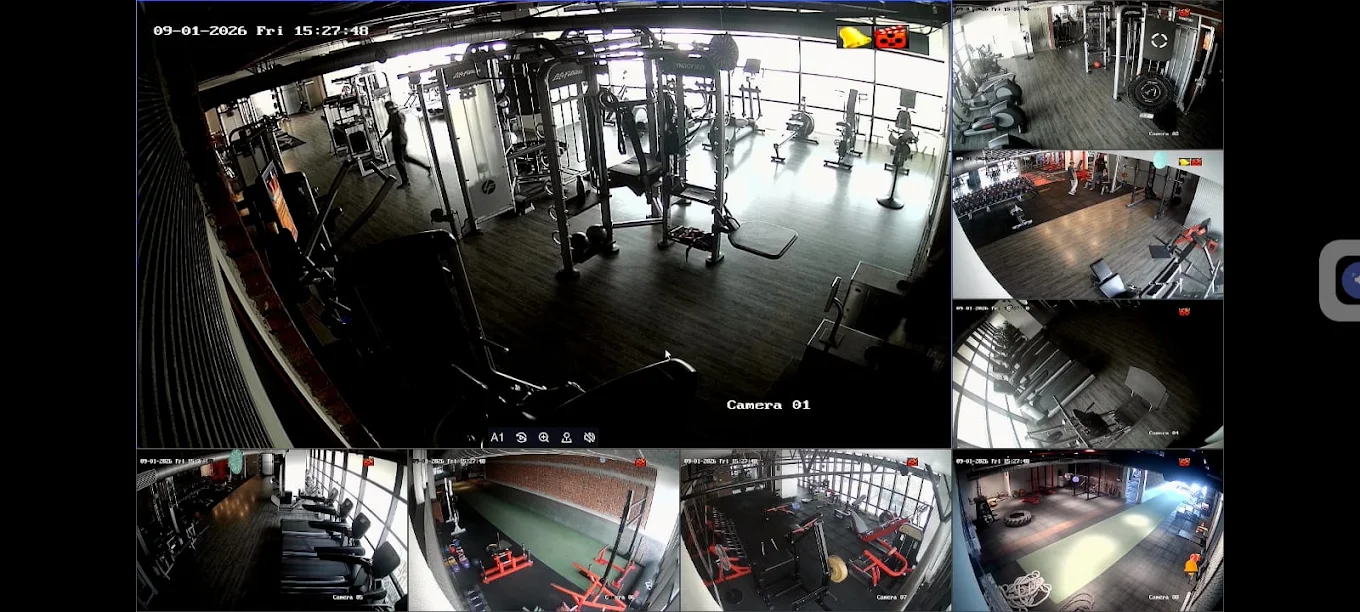
Checks that prevent avoidable rework
Common CCTV Camera Installation Mistakes
- Mounting too high. Check whether the view still shows useful face detail.
- Pointing into bright light. Sun and glare can obscure people; test at different times.
- Ignoring night conditions. Headlights and reflections can change the picture.
- Using one wide view for every purpose. General monitoring and identification need different detail.
- Leaving blind spots. Pillars, gates, trees and vehicles may hide the approach.
- Poor cable routing. Plan suitable protection, terminations and labels.
- Skipping playback checks. A live picture does not confirm recording.
- Forgetting maintenance. Leave practical access to inspect and clean the camera.
Check before replacing
Can Existing CCTV Cameras Be Reused?
Appearance alone does not establish compatibility. Check signal type, resolution, power, connectors and cable condition against the DVR or NVR.
For a fault, test the cable and power path before replacing a camera. A complete CCTV installation review can check whether existing parts fit the proposed system.
Change the parts the system needs
Upgrading an Existing CCTV Camera Installation
An upgrade may add or move cameras, improve a cable route, increase supported storage or enable remote access on a compatible recorder. Switching from DVR to IP cameras may also require network and cabling changes.
Check recorder channels, signal, power, cable, network and storage before changing parts. For broader requirements, see security camera installation in Bangalore.
Each property brings a different route
CCTV Camera Installation in Bangalore
Apartments, houses, villas, shops and warehouses bring different permissions, routes and sight lines. A house may have a long gate-to-recorder cable run; a shop may need a counter view without losing the entrance.
Smartronic’s listed base is in HSR Layout, with service coverage across Bangalore. Site requirements in areas such as Koramangala, Jayanagar, Electronic City, Bellandur, Whitefield and Indiranagar depend on the property and agreed scope.
A camera-by-camera process
How Smartronic Approaches CCTV Camera Installation
- Understand the requirement. Identify the important views and existing equipment.
- Review the areas. Check approaches, parking, routes and obstructions.
- Plan camera positions. Match height, angle and field of view to the intended detail.
- Choose cameras and routes. Consider light, exposure, mounting, power and network.
- Install and connect. Mount each camera and connect it to the compatible recorder.
- Configure and test. Check playback, views and requested mobile access; adjust angles.
- Explain operation. Show how to view cameras and find recordings.
The equipment, route and final scope depend on the property. To discuss where cameras should go, .
Camera installation questions
Frequently Asked Questions
How much does CCTV camera installation cost in Bangalore?
The cost depends on the camera count and type, recorder, storage, cable route, access conditions and any additional network or civil work. A site discussion is needed to understand the scope; no single price applies to every property.
How many CCTV cameras should I install in my house?
It depends on entrances, floors, parking, blind spots and what each view needs to show. Four cameras may cover key areas in some small homes; larger homes may need six or more. These are examples, not fixed rules.
Where should CCTV cameras be placed?
Start with the areas that matter: entrances, approaches, parking, corridors or a counter. Check what the camera can see from the planned position, including backlight, obstructions and the distance to the person or vehicle.
What height should CCTV cameras be installed?
There is no single height for every camera. Higher mounting can provide a wider overview and reduce easy access, but can make faces appear small. Set the height for the intended view, mounting surface and protection needs, then verify the image.
Which is better for CCTV, a dome or bullet camera?
Neither is always better. Dome and bullet describe camera forms; selection depends on the viewing direction, location, mounting options and environment. Compare the intended view and supported features before choosing.
Do CCTV cameras need internet?
Many systems can record locally to a DVR or NVR without internet. Internet is generally needed for viewing from outside the property or other network features, subject to the equipment and setup.
Can CCTV cameras work without Wi-Fi?
Yes, many wired systems use coaxial cable or Ethernet rather than Wi-Fi. The camera still needs compatible power and a connection to its recorder or network. Some wireless models have different power and connectivity requirements.
What cable is used for CCTV cameras?
IP camera systems commonly use Ethernet cable such as CAT6 where appropriate. DVR systems often use compatible coaxial CCTV cable, sometimes with a separate or combined power arrangement. Check the camera and recorder before planning the cable.
Is CAT6 required for CCTV?
Not for every system. Ethernet cable such as CAT6 is common for IP cameras, while many DVR installations use coaxial CCTV cable. The system architecture, cable distance and power method determine the suitable option.
Can existing CCTV cameras be reused?
Sometimes. Check the camera type, signal or network compatibility, resolution support, connectors, cabling, power and physical condition against the proposed recorder. Reuse should be confirmed before assuming the parts will work together.
Can CCTV cameras be moved after installation?
Often, but moving a camera can require a new cable route, mounting point, power connection or recorder configuration. Recheck the view and recording after relocation.
Can CCTV cameras be viewed on a mobile phone?
Many recorders support remote access through a compatible app. The recorder and network need suitable configuration, user access must be set up, and the phone connection should be tested. Features vary by equipment.
How should outdoor CCTV cameras be installed?
Choose a camera intended for the conditions, use a stable mounting surface, consider rain and direct sun, and protect exposed cable and connections appropriately. Confirm the final view in daylight and after dark.
How can I avoid CCTV blind spots?
Map the approach and areas to monitor, then check the live view for pillars, walls, gates, trees, parked vehicles and overlapping views. A second camera may help in some layouts, but camera count alone does not guarantee coverage.
How often should CCTV cameras be checked?
Check camera views and recording periodically and after changes to lighting, landscaping, shelves or building layout. Clean lenses using suitable care instructions and verify date/time and playback. The appropriate schedule depends on the site.
Can more cameras be added later?
Possibly. Check spare recorder channels, power, storage, cable routes and network capacity first. If expansion is likely, include it in the initial system discussion.
Plan the picture first
Get help choosing the right CCTV cameras
Share the areas you want to monitor, any existing cameras and the type of property. Smartronic can discuss the camera positions and system checks that may suit your site.