
Security camera systems · Bangalore
Security Camera Installation in Bangalore
Smartronic plans and installs security camera systems around the property and the views you need. We discuss camera selection, placement, cabling, recording and supported mobile viewing, then check the views and playback as part of setup.
For homes, apartments, shops, offices and other premises.
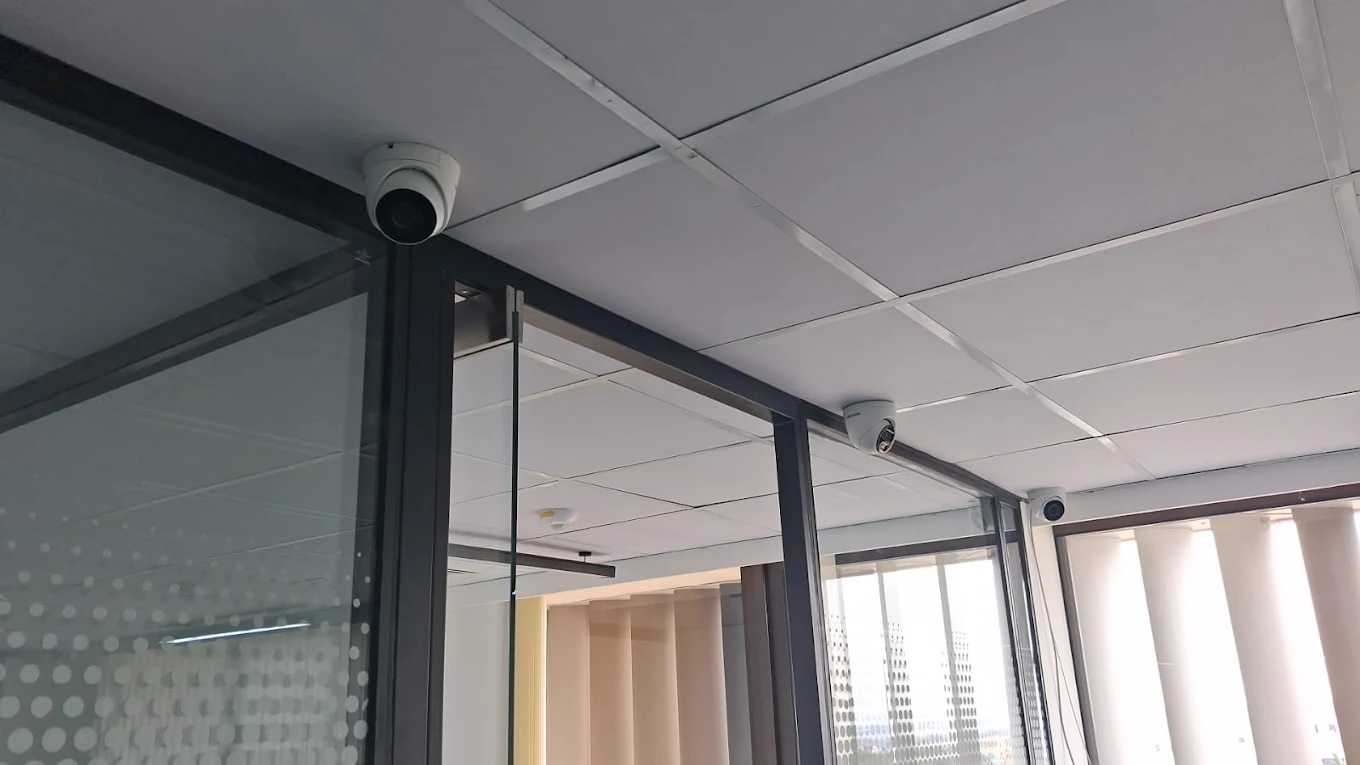
Plan around the property
A security camera system should answer a practical question: which areas need to be seen, and what should the footage help you review? A gate overview, a face at an entrance and movement across a parking area are different viewing needs. Camera count alone does not define whether the system will be useful.
The plan also needs to account for lighting, indoor or outdoor exposure, cable routes, power, recording duration, internet access and whether existing equipment can stay. For the full service scope, including system planning across CCTV options, see complete CCTV installation in Bangalore.
A camera is one component
What is a complete security camera system?
A camera captures a view, but a working surveillance system also needs a path for video, power, recording and playback. Depending on the design, that may include coaxial or Ethernet cabling, a DVR or NVR, a hard drive, a display, network access and power backup.
*Remote viewing needs a compatible system and configured network access. Exact connections and power arrangements vary by installation.
A camera on its own does not provide recorded footage, storage or remote access. Those functions depend on compatible recording equipment, settings and connections.
Two common wired system paths
How do security camera systems work?
In a typical system, a camera captures video and sends it over cabling to a recorder. The recorder stores footage on an HDD and sends live or recorded video to a local monitor. If remote functions are supported, the recorder connects to the network so an authorised user can view from a mobile app.
IP camera and NVR
Network cameras send digital video over Ethernet to an NVR or network equipment. Compatible PoE equipment can carry data and camera power on one cable. See NVR installation for IP camera systems.
Coaxial camera and DVR
Compatible analog or HD-over-coax cameras send video to a DVR over coaxial cabling, with a suitable camera power arrangement. Existing coax may be reusable after inspection. See DVR installation and existing CCTV upgrades.
The right architecture depends on camera compatibility, existing wiring, the property, required features and future plans. Neither recorder type is automatically the better choice for every site.
Coverage follows how the property is used
Security camera systems for different properties
Homes
Consider the main entrance, gate, driveway, parking, rear entrance, staircase and vulnerable external approaches. Decide whether each camera needs a wide overview or a closer view. Keep cameras directed at areas you are permitted to monitor.
Apartments
An individual entrance may be suitable for a resident’s own camera, subject to building rules. Shared corridors, basement parking, entry gates and terrace access may be controlled by the association; obtain the required approval before planning coverage.
Villas
Walk the compound and note gates, driveway, entrances, garden edges and rear areas. Walls, trees, parked vehicles and lighting can block or change a view.
Shops and retail
Entrances, billing points, shelves, storage and loading areas may call for different angles. Displays change, so check that merchandise does not obscure a camera view.
Offices
Reception, entrances, corridors, access points and selected equipment areas can be considered. Limit views to appropriate common or work areas and decide who should have access to recordings.
Warehouses
Plan gates, dispatch and loading areas, storage aisles, vehicle paths and perimeter views. Longer cable routes and multiple zones can affect recorder and network layout.
Clinics and small commercial premises
Entrances, reception, waiting areas, corridors and external approaches may be relevant. Keep framing appropriate to the space and the purpose of monitoring.
Coverage first, count second
How many security cameras do you need?
Start with entrances, blind spots, distances and the detail needed at each view. Consider overlap, lighting, parking and indoor/outdoor areas. A camera can show that someone was present without recording enough detail to identify them; distance, lens, angle and resolution all affect that result.
These are examples, not fixed recommendations. Mark what each camera must show, then check whether the proposed view covers it at the relevant distance and time of day.
A useful view needs more than height
Camera placement, angle and coverage
Mounting a camera high can give a broader overview, but a steep angle may show the top of a person’s head rather than useful facial detail. Check height, distance, lens field of view and the direction people approach from. Avoid beams, signs, branches, doors and stored items that could obstruct the image.
Look for direct sunlight, bright windows, headlights and strong contrast between indoor and outdoor areas. At an entrance, decide whether the priority is seeing movement across the doorway or capturing detail as someone approaches. Separate views may be needed for those different purposes.
Review the recorded image, not just the live preview, and check conditions after dark. For physical mounting, positioning and wiring details, see professional CCTV camera installation.
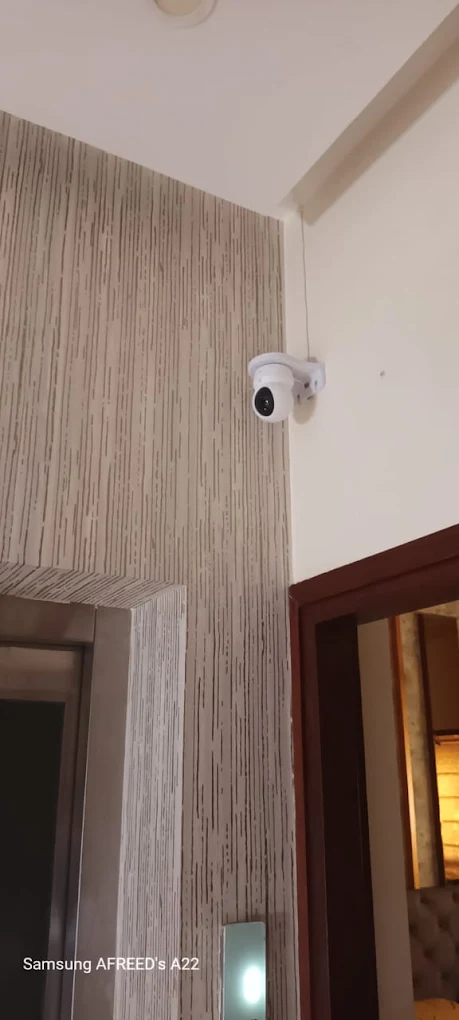
Choose for the conditions
Indoor, outdoor and low-light security cameras
Indoor and outdoor use
Outdoor cameras face weather, dust, temperature changes and exposed connections. Select equipment specified for the installation environment and plan stable mounting and cable protection. Indoors, consider ceiling height, windows, reflective surfaces, lights and furniture. Do not assume an indoor camera is suitable outside based only on its housing.
Night vision and low light
Infrared (IR) illumination can help a compatible camera produce an image in low light, while low-light sensors use available ambient light. Neither guarantees identification in every dark scene. Headlights, reflective walls, glass, close objects and glare can affect the result. Camera angle and nearby lighting are part of the plan.
Choose a connection for the site
Wired vs wireless security cameras
| Consideration | Wired camera system | Wireless camera system |
|---|---|---|
| Video connection | Uses a dedicated coax or Ethernet cable, depending on the system. | Uses Wi-Fi or another supported wireless network for video. |
| Strengths | Can provide a stable connection and suit permanent or multi-camera installations. | May simplify installation where running video cable is difficult. |
| Planning needs | Requires cable routes, terminations and suitable protection. | Still usually needs power; signal strength, interference and network load matter. |
| Best fit | Depends on the property and installation plan. | Depends on Wi-Fi coverage, power access and the number of cameras. |
Wireless does not mean “no installation,” and wired is not automatically right for every building. Compare cabling access, network conditions, power and how the cameras will be recorded.
The route affects long-term service
Cable routing and installation quality
IP cameras commonly use Ethernet such as CAT6; compatible PoE equipment may carry data and power on that cable. DVR cameras commonly use coaxial video cable plus a suitable power arrangement. Some installations need separate power wiring. The correct cable depends on the camera, recorder, distance, environment and network design.
Plan ceiling and wall routes before mounting, check access to conduits, protect exposed outdoor runs, and keep junctions accessible where practical. Make sound terminations and label runs so the camera and recorder ends can be matched during service. Damaged cable, poor joints or water ingress can cause intermittent images that are difficult to diagnose after the route is concealed.
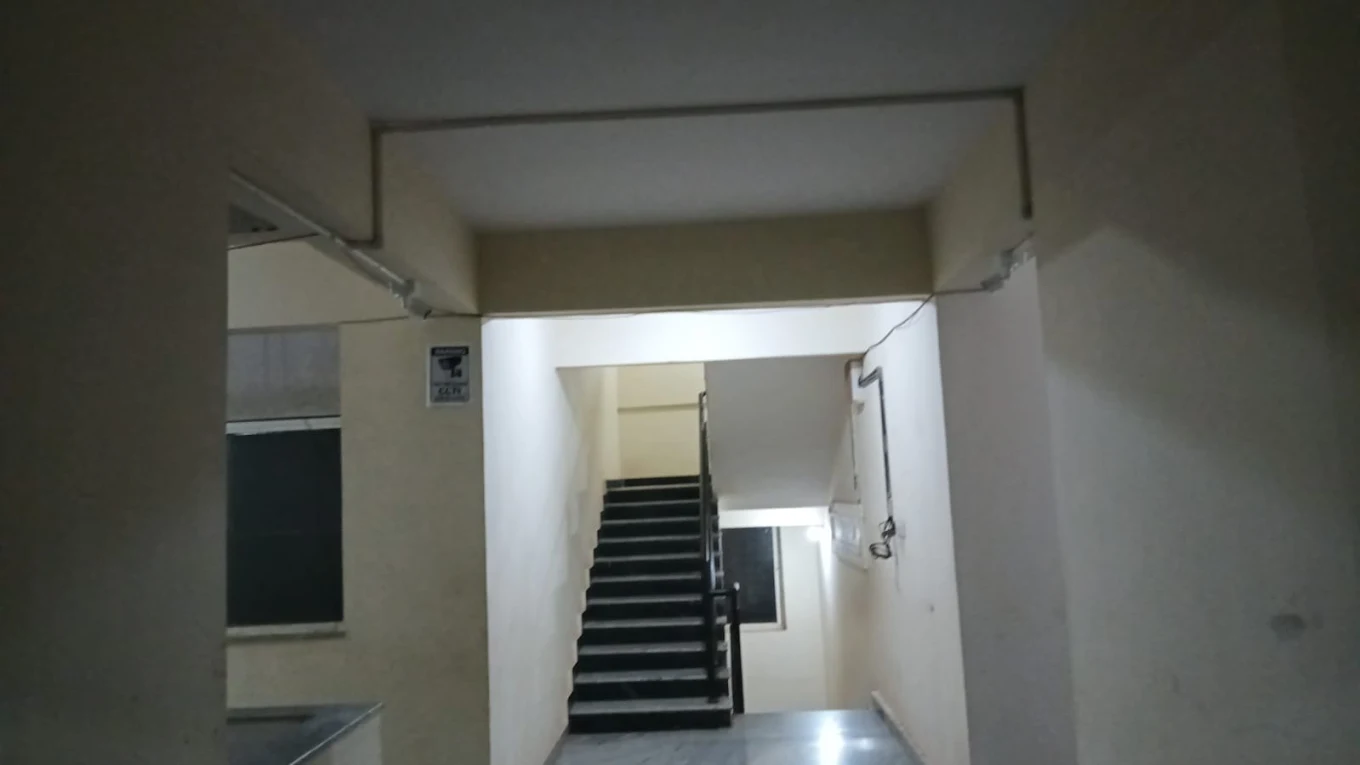
Set recording expectations before choosing storage
Security camera recording and storage
Recording duration depends on the number of cameras, resolution, frame rate, compression, bitrate, recording schedule and HDD capacity supported by the recorder. Continuous recording saves video throughout the configured schedule and usually uses more storage. Motion-based recording may use less in some settings, but activity, camera placement and detection configuration affect results.
There is no universal number of days that a particular drive will keep. Decide what retention is useful, then check it against the system’s actual camera settings and recorder limits. After setup, confirm that the drive is recognised, the intended channels are recording, and playback shows footage from the expected times.
View locally or over a configured network
Mobile viewing, internet and power backup
A typical remote-viewing path is camera → DVR/NVR → property network → internet → supported mobile application. The recorder must support the feature and be configured; phone access, playback and notifications vary by system.
Many systems can continue local recording during an internet outage if cameras, recorder, storage and power remain operational. Remote viewing generally needs network and internet connectivity. During a power cut, cameras and recorder stop unless suitable backup power keeps them running. A UPS may also need to support the router or network equipment for remote access; runtime depends on its capacity and connected load.
A site-led installation
Security camera installation process
- Understand the property. Note layout, access points, lighting, existing equipment and the customer’s concerns.
- Identify priority areas. Decide what each view should show and consider privacy and permissions.
- Select a compatible camera system. Match indoor/outdoor use, connection type and recorder needs.
- Plan positions and cable routes. Review height, view, obstruction, ceiling/wall access, power and exposed sections.
- Install and connect. Mount cameras, complete cabling and connect the DVR/NVR and display as required.
- Configure recording and network features. Set time, schedule, storage and supported remote access.
- Test views and playback. Check every required camera, recorded footage and mobile access where requested.
- Explain basic operation. Show how to view cameras and find recordings.
The work depends on the property, cable routes and existing system. If you are planning a new system or changing the current one, with Smartronic.
Assess before replacing
Upgrading an existing security camera system
Upgrade needs can include old cameras, poor image quality, a failed DVR, inadequate storage, cameras that no longer work, missing mobile viewing or the need for additional views. A system check can identify whether the issue is in a camera, cable, power supply, recorder, HDD or network.
Depending on compatibility and condition, it may be possible to replace selected parts, use suitable existing coax with newer HD-over-coax equipment, or move to IP cameras and an NVR. These are different architectures; changing from DVR to NVR may require network cameras, Ethernet, suitable power and recorder changes. Do not assume a complete replacement is necessary—or that old parts will all work with new equipment.
Read about DVR installation and existing CCTV upgrades or NVR installation in Bangalore.
Plan the view and system together
Common security camera installation mistakes
- Choosing by megapixels alone while ignoring lens, distance and field of view.
- Mounting too high or aiming at the wrong approach.
- Ignoring bright windows, headlights, glare or night-time lighting.
- Allowing doors, shelves, trees or stored items to block views.
- Leaving cable exposed or using an unsuitable route outdoors.
- Buying cameras before checking recorder, network and power compatibility.
- Guessing storage without considering recording settings and desired retention.
- Assuming Wi-Fi, mobile viewing or notifications will work without testing.
- Installing the recorder where heat, moisture or tampering can affect it.
- Skipping playback checks or ignoring future expansion.
A complete system needs configuration and checks
Security camera installation vs buying cameras
Buying cameras provides devices; a working system also needs coverage planning, mounting, cabling, a compatible recorder, storage, power and configuration. Network features need their own setup. Before handover, check live views, recording, playback, date and time, and requested mobile access.
Maintenance can include cleaning camera lenses, checking cable and power connections, confirming recorder and HDD status, verifying recording and testing mobile access. Follow the equipment guidance for software or firmware updates, and review the camera view if the property layout changes.
Local conditions, individual properties
Security camera installation across Bangalore
Requirements differ between apartments, independent homes, offices, shops, warehouses and commercial buildings. Older properties may have limited conduit access; multi-floor sites need cable and recorder planning; apartment common areas may require association approval.
Smartronic is based in HSR Layout and discusses camera systems across Bangalore, including BTM Layout, Koramangala, JP Nagar, Jayanagar, Bannerghatta Road, Electronic City, Bommanahalli, Sarjapur Road, Whitefield, Marathahalli, Brookefield, Bellandur, Indiranagar, KR Puram, Hebbal and Yelahanka. Ask about your location and property; this does not imply an office or a completed project in every area.
Understand the site before selecting equipment
Smartronic’s approach to security camera installation
The installation starts with the areas and detail the customer wants to review. From there, camera positions, cable routes, recorder, storage, power and network access can be considered as one system. If CCTV equipment is already installed, its condition and compatibility should be checked before recommending what to keep or change.
The final check should include the views, recording and playback, plus mobile access where it is part of the system. This helps the customer understand what is working and how to use the installed setup.
Questions before choosing a system
Security camera installation FAQs
What is the difference between CCTV and a security camera?
CCTV describes a video surveillance system and its closed viewing/recording path. “Security camera” commonly refers to a camera used in that system; the complete setup also needs power, recording and storage.
How many security cameras does a house need?
It depends on entrances, floors, parking, blind spots, viewing distance and the detail required. Camera-count examples are only starting points; map the views before deciding.
What type of security camera is best for outdoor use?
Choose for the exposure, mounting position, lighting, view and recorder compatibility. Check the product’s environmental specifications and plan protection for its cable and connections.
Are wired security cameras better than wireless?
Neither suits every site. Wired systems can provide a stable dedicated connection; wireless can help where cable routing is difficult, but still needs power and dependable Wi-Fi.
Can security cameras work without internet?
Many systems can record locally without internet when cameras and recorder are powered and configured. Remote viewing generally needs a network and internet connection.
Can I view security cameras on my phone?
Many compatible recorders support a mobile app. The recorder and network need configuration, and access should be tested on the customer’s phone.
How long can security cameras record?
Retention depends on camera count, resolution, frame rate, compression, schedule, motion settings, HDD capacity and the recorder. There is no universal number of days.
Can I reuse my existing CCTV cameras?
Sometimes. Check their condition, signal format, resolution, connectors, cabling, power and compatibility with the recorder before planning reuse.
Can I upgrade a DVR without replacing all cameras?
Possibly. Compatible cameras and serviceable coax may remain, but the camera format, recorder support, cable and power should be checked first.
Should I choose DVR or NVR?
It depends on existing wiring, camera type, network needs and future plans. DVRs commonly suit compatible coax cameras; NVRs are built around network cameras.
Do security cameras need Wi-Fi?
No. Wired camera systems can use coaxial or Ethernet connections. Wi-Fi is needed only for cameras designed to use it or for certain network functions.
What happens to CCTV recording during a power cut?
Recording stops if the cameras or recorder lose power. A UPS may keep selected equipment running; backup duration depends on its capacity and connected load.
How should security cameras be positioned?
Aim at the area and approach that matter, accounting for height, distance, light, obstruction and privacy. Review recorded footage to check useful detail.
How much does security camera installation cost in Bangalore?
Cost depends on camera count and type, recorder, storage, cable routes, mounting and network or power requirements. The property and system scope determine an estimate.
Can I add more cameras later?
Often, if recorder channels, network or power capacity, cable routes and storage support them. Plan likely expansion before selecting the initial system.
Start with the property and the views
Discuss your security camera requirements
Tell us what you want to monitor, what equipment is already installed and where the property is in Bangalore. We can discuss the system components and installation details to check.