
CCTV planning · Bangalore
CCTV Installation in Bangalore
A useful CCTV system starts with the property, not a camera count. We plan the views, cable routes, recorder, storage and phone access around the areas you actually need to monitor.
For homes, apartments, offices, shops and commercial properties across Bangalore.
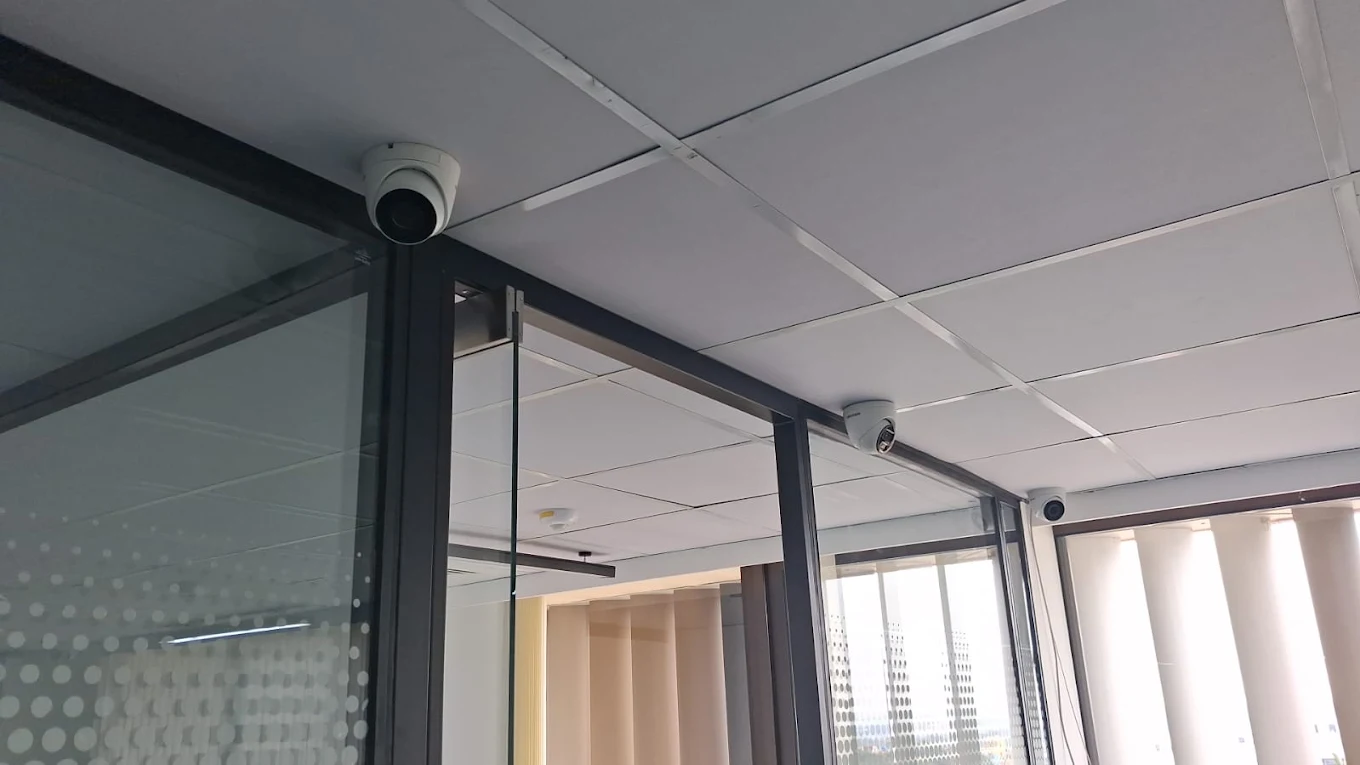
Start with the view you need
Fixing cameras to a wall is only one part of an installation. A camera can be switched on and still miss a face at the gate, point into afternoon glare, or record only a small part of a long driveway. The result depends on where it is placed, what it is connected to and how the finished system is configured.
Smartronic provides CCTV installation in Bangalore for residential and business properties. The work can include discussing the areas to cover, planning camera positions and wiring, setting up a DVR or NVR, configuring recording and supported mobile access, then testing and adjusting the views. The exact equipment and work depend on the site.
Plan before drilling
Professional CCTV installation in Bangalore
Start with what you need to see in a recording. A gate overview, a face at the entrance and activity across a parking area are different viewing jobs; one wide view may not provide close detail.
We start by understanding the property and the reason for installing CCTV. Together, we identify priority areas such as entrances, parking, staircases, reception, cash counters, stock rooms or loading zones, then note existing conduits, ceiling access, network equipment and a suitable recorder location.
Camera positions are checked against field of view, mounting height, lighting and obstructions. Plan cable routes, power and network needs at the same time; they affect the finish and system choice. Place the recorder where it is accessible for maintenance but not exposed to casual tampering.
After installation, the cameras should be checked on the recorder, recording settings reviewed, mobile viewing configured where supported, and each view adjusted at the actual monitor or app. These checks help catch a loose connection, a view blocked by a beam, an overexposed doorway or a camera that is not recording as expected.
For the physical work and fitting details, see our page on CCTV camera installation.
Choose around the property
Choosing the right CCTV system
No single camera system suits every Bangalore property. The decision depends on the coverage required, distance between cameras and recorder, lighting, existing wiring, network availability, storage expectations, and whether the system may grow later. Image detail needed at a doorway is also different from general monitoring of a large open area.
For some sites, a DVR-based installation may make practical use of existing coaxial cable. For others, an IP camera and NVR design gives a cleaner fit with the planned network and future camera additions. A site with long cable runs, outdoor exposures or several buildings needs the route and equipment checked, rather than a choice made from the camera box alone.
| Consideration | IP cameras with an NVR | Cameras with a DVR |
|---|---|---|
| How cameras connect | Network cabling, commonly Ethernet such as CAT6, connects cameras to the network or recorder. | Many systems use coaxial CCTV cable; exact cable and power arrangement depend on the camera system. |
| Recording device | An NVR records video received over the network. | A DVR receives and records compatible camera signals over its input connections. |
| Power | Some camera and NVR combinations support Power over Ethernet (PoE), carrying power and data on one Ethernet cable. | Power may use a separate supply or a compatible combined cable. The system design determines this. |
| Often considered for | New network cabling, IP features, or a system planned with expansion in mind. | Existing coaxial installations or a compatible replacement/upgrade of a DVR system. |
| What to check | Network layout, PoE capacity where used, cable route, recorder capacity and storage. | Signal compatibility, cable condition, recorder channels, power and storage. |
This is a planning comparison, not a rule that one option is always better. If the property uses IP cameras, our NVR installation in Bangalore page explains the recorder side. For compatible coaxial systems, see DVR installation in Bangalore.
Network video recording
NVR installation in Bangalore
An NVR (network video recorder) stores video from compatible IP cameras that send their streams over a network. In a straightforward layout, each camera has an Ethernet connection to a network switch or to PoE ports on a compatible NVR. PoE can simplify power at the camera, but the recorder or switch must support the required camera load and the cable layout must be appropriate.
During planning, the installer checks where the cameras and recorder will sit, how the Ethernet cables can be run, and whether the network equipment has enough suitable ports. Storage still needs a separate decision: the number of cameras, recording settings and desired retention all affect the HDD requirement. Remote access is configured only where the recorder, router and customer’s connection support it.
Wi-Fi alone does not make an NVR a better fit: fixed IP cameras need a dependable network path and power, while wireless models still depend on local coverage and their own power needs. See NVR installation in Bangalore for the recorder details.
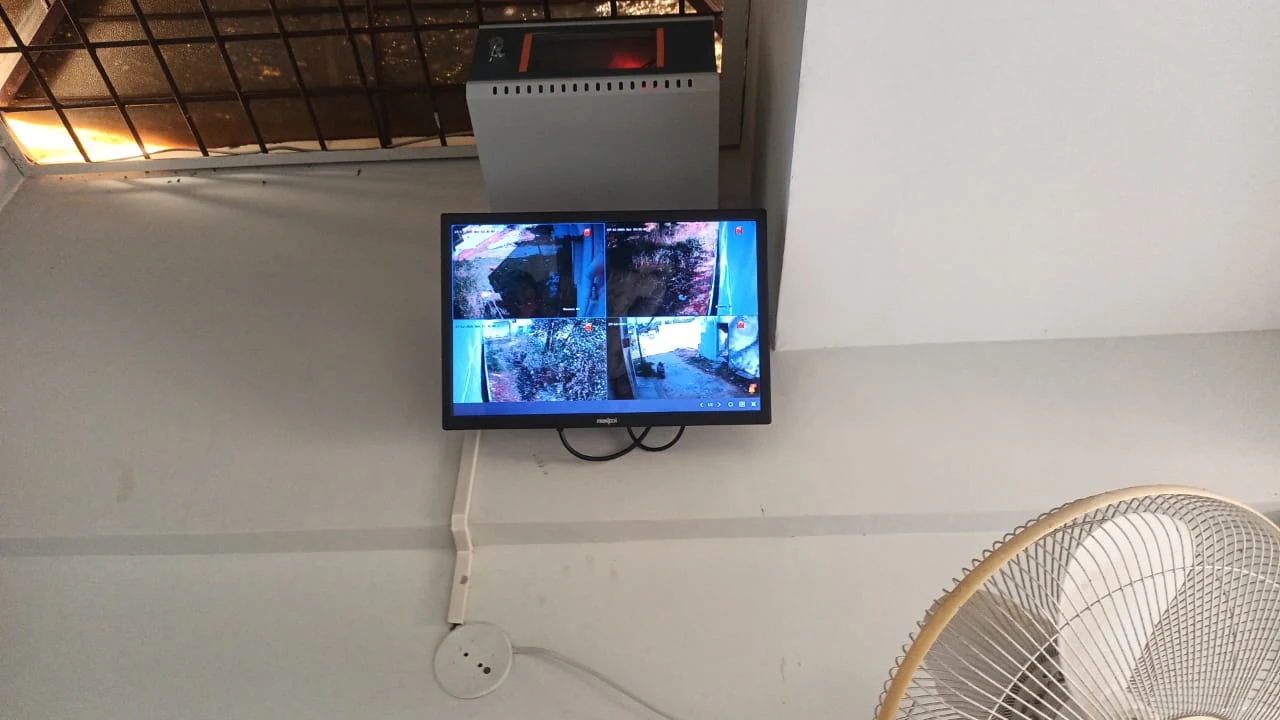
Coaxial and compatible camera systems
DVR installation in Bangalore
A DVR (digital video recorder) receives compatible camera signals and stores the recordings. Many DVR-based CCTV setups use coaxial cable between camera points and the recorder. Some cable arrangements carry video and power together, while others use separate power connections; compatibility needs to be checked before selecting parts.
DVR can be a sensible option when upgrading a working coaxial installation, provided the cameras, cable and recorder support each other. Existing wiring can save replacement work, but old connectors, damaged cable or an incompatible signal type can cause poor images or intermittent faults. The HDD must also be supported by the recorder and sized around the intended recording settings.
To assess a replacement or new setup, see DVR installation in Bangalore. Reusing the existing system should be confirmed after checking it, not assumed from the DVR’s appearance.
Coverage is a layout decision
CCTV camera installation and placement
Camera height and direction affect what a recording can show. A camera mounted too high may give a wide overview but little useful face detail. A lower camera may show more detail but be easier to obstruct or reach. The right height depends on the purpose of that view, the building and the area being monitored.
Field of view matters too. A wide lens can cover more space but makes distant subjects appear smaller. A tighter view can show more detail in a narrow area while leaving space outside the frame. Overlapping views can help at key approaches, but simply adding another camera does not fix a badly aimed one.
Resolution should be selected with that view in mind. A higher-resolution camera may record more image detail, but distance, lens angle, light, camera sensor and recording settings affect the result. It also uses more storage and network capacity. A useful design matches the camera to the scene rather than choosing resolution in isolation.
Lighting needs to be checked at different times if possible. A bright doorway behind a person can make the person appear dark; lights, reflective surfaces and direct sun can create glare. Night vision may help in low light, but the usable result depends on the camera, distance, ambient light and what is in the scene. Outdoor cameras also need suitable placement and protection from weather exposure.
Final adjustment should happen after the camera is installed. Review the live view and a recording, check the important point at the expected distance, and confirm that a door, signboard, branch or beam is not blocking the view. A camera aimed at a bright entrance may register movement while still failing to capture enough facial detail to identify someone.
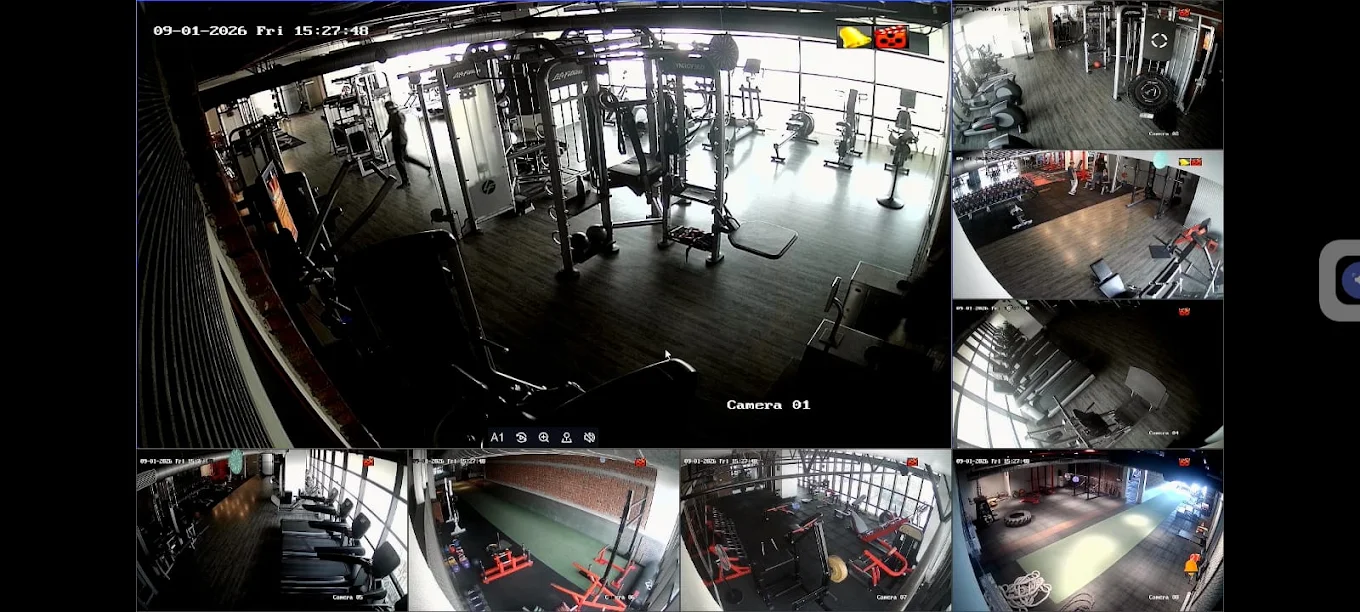
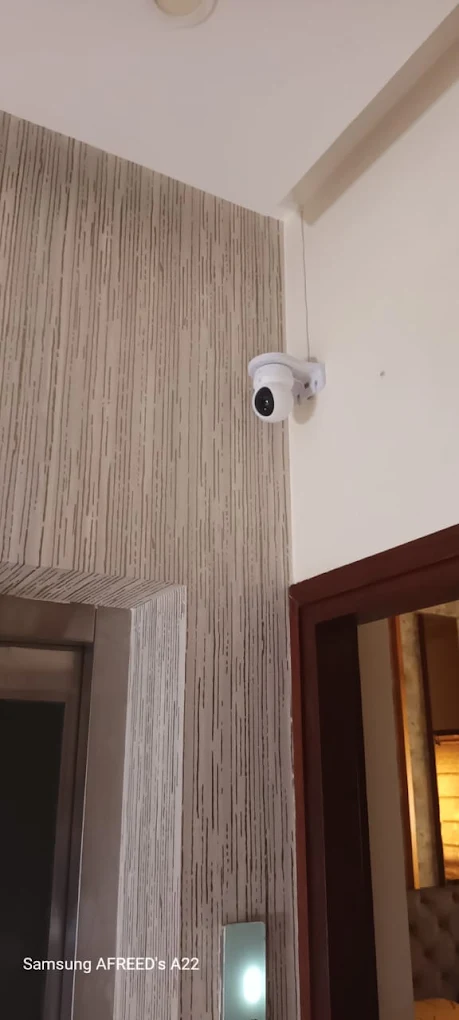
Explore the practical fitting process in our CCTV camera installation guide.
Different properties, different priorities
Security camera installation for homes and businesses
The installation plan should reflect how the property is used. A home may need clear views at its own entrance and parking. A business may need to review customer movement, stock handling or access to a restricted room. Privacy matters in both settings: cameras should be directed at appropriate areas, and shared or neighbouring spaces should not be monitored casually.
Home CCTV installation
Start with the main door, driveway or parking, rear access and the route people use to enter. Staircases, balconies or terraces may need a view if they are genuine access points. A camera in a common living area is not automatically useful; decide what event it should help you review and respect private spaces.
Apartments and villas
For a flat, the front door and any permitted private parking may be the priority. Hallways, lifts and shared lobbies are common areas, so check building or association permissions before installing a camera there. Villas can have more entry points, gates, driveways and rear access to consider. Aim cameras at your own property rather than a neighbour’s windows or private areas.
Office CCTV installation
Common planning points include the entrance, reception, corridors, storage and access to network or equipment rooms. Where cash or valuable stock is handled, frame the work area and relevant approach without obstructing normal operations. Consider who is permitted to view recordings and where the recorder will be kept.
Shops and retail
A shop layout may call for views of the entrance, billing counter, customer aisles and stock room. Shelf height and displays change over time, so leave sight lines that are useful after the store is arranged. The counter view should show the transaction area without relying on a distant wide shot for fine detail.
Warehouses and commercial properties
Gates, loading and unloading bays, vehicle paths, storage aisles and perimeter approaches can create long views and blind corners. Camera selection and placement need to account for distance, lighting and movement. Large or multi-building sites also need deliberate recorder, cable and network planning.
Clinics, schools and other premises
Entrances, reception and circulation areas may be relevant, while treatment, consultation, classroom or other sensitive spaces require particular care. Identify the security purpose first and limit the view to appropriate areas. For broader security camera planning, see security camera installation in Bangalore.
A starting conversation
How many CCTV cameras do you need?
Property area alone cannot determine the camera count. A narrow house with two entrances can need a different layout from a larger open floor with one approach. Number of floors, gates, parking, blind spots, camera field of view and the level of detail required all matter.
These are examples for discussion, not standard packages or recommendations for every property. First mark the areas where a recording needs to show presence, direction of travel or identifying detail. Then plan each view and see where coverage overlaps or a blind spot remains.
Plan the route, not just the endpoints
CCTV cabling and wiring
IP cameras commonly connect over Ethernet cabling such as CAT6; coaxial systems use a compatible CCTV cable. The right cable depends on the camera and recorder architecture, distance, environment and power arrangement. CAT6 is not a universal replacement for every existing DVR cable, and coax is not the normal network connection for an IP camera.
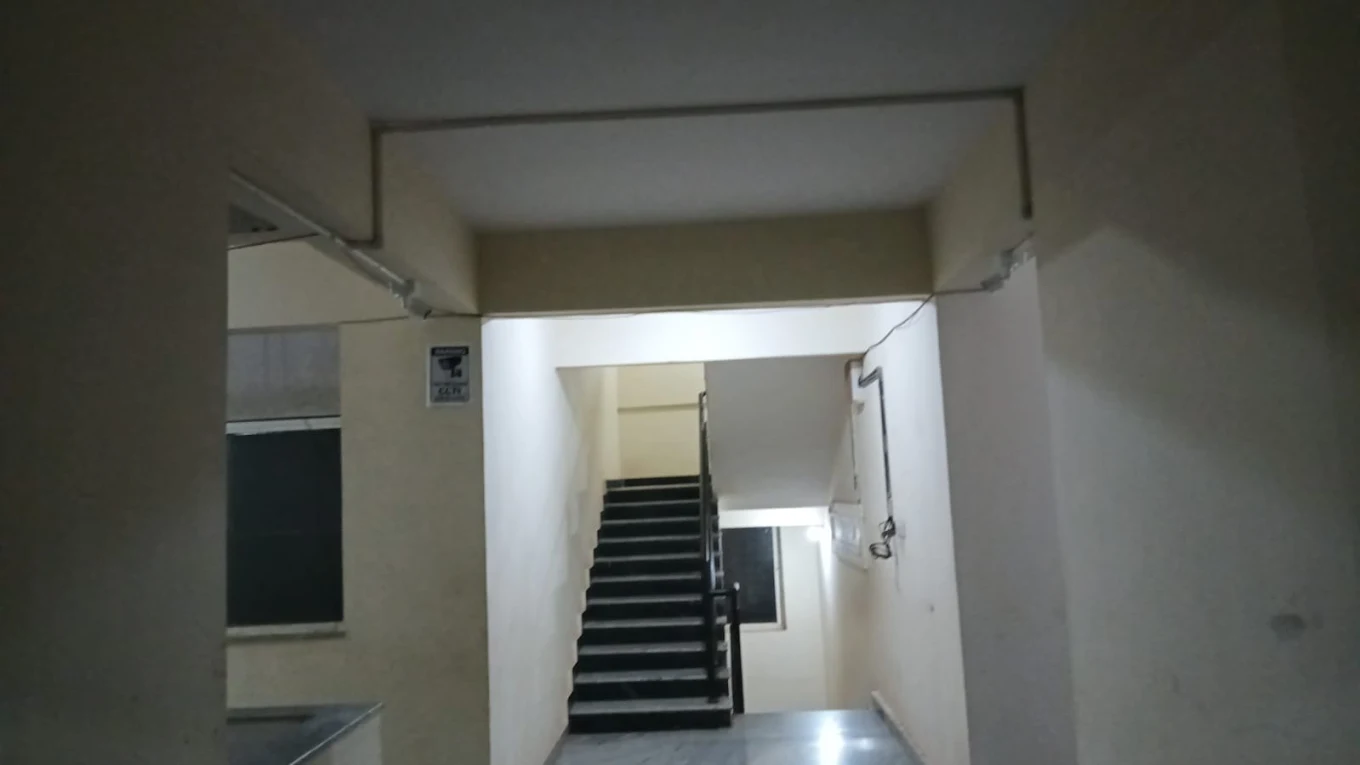
Before routing cable, consider ceiling spaces, conduits, walls, exposed outdoor sections and the path back to the recorder or network switch. Concealed routing can be neat where the building makes it practical. Elsewhere, suitable surface routes or conduit may be more appropriate. The route should avoid unnecessary exposure, sharp bends and places likely to be disturbed during routine work.
Good termination and labelling make later fault-finding easier. Connections should be tested after installation rather than assumed to work because a live image appeared once. Power planning also matters: each camera needs the supply method intended by its system, with equipment arranged to support the required load.
Cable distance is another design limit, not an afterthought. The supported run depends on cable type and quality, signal standard, power delivery and equipment specifications. A long route may require an appropriate network switch, repeater, fibre link or another compatible design. Check the intended camera and recorder specifications before settling the route.
Keep recordings useful
CCTV storage and recording settings
Storage depends on camera count, resolution, frame rate, recording schedule and desired retention. Motion-based recording can reduce saved footage where supported, but poor sensitivity or detection zones may miss activity.
Before choosing an HDD, estimate how the cameras will be used and check the recorder’s supported capacity and drive requirements. A high-resolution system with continuous recording needs a different storage plan from a smaller system with different settings. No retention period should be promised without those details.
Test a recording by opening playback for each camera and checking the timeline. Confirm date and time settings too: a useful image with an incorrect timestamp is harder to interpret. The owner should know how to find an event and export footage if the system supports it.
Local recording and remote access
Mobile CCTV viewing and internet access
Remote viewing normally involves connecting a compatible recorder to the property network, configuring its supported app or access method, and giving the customer the appropriate account access. The phone then needs an internet connection to view cameras from outside the property. The setup should be tested on the customer’s device, not only on the installer’s screen.
Internet and recording are separate in many locally recorded systems. If the cameras and recorder are configured to save video locally, a temporary internet outage may stop remote viewing without stopping local recording. This is not universal, so confirm how the selected equipment behaves. A power cut can affect cameras, recorder and router unless the system has an appropriate backup supply.
Use a secure account, avoid sharing administrator credentials broadly and remove access that is no longer needed. Remote access features, app steps and available controls vary by manufacturer and model.
What the job includes
What happens during a Smartronic CCTV installation?
- Understand the requirement. Discuss the property, what you want to see and any existing cameras or wiring.
- Plan the views. Identify entrances, approaches, blind spots and the level of detail required at each point.
- Select a compatible system. Consider IP/NVR or DVR-based equipment, camera type, recorder capacity and possible expansion.
- Plan cables and equipment locations. Agree practical routes and a suitable recorder, power and network location.
- Install and connect the cameras. Mount them for the intended view and complete the planned cable and power connections.
- Configure recording and storage. Set up the recorder and HDD according to the chosen system and recording preference.
- Set up network features. Connect compatible equipment and configure remote mobile viewing if required and supported.
- Test and adjust. Review live views and playback, adjust camera angles and verify the important areas.
- Explain day-to-day use. Show the customer how to view cameras and find recordings using the installed system.
The scope can change with the property and equipment. A clear discussion before work begins helps align the planned views, cable finish and system operation.
Useful checks for any installation
Common CCTV installation mistakes to avoid
- Mounting too high without checking detail. A high camera can show a broad area but may not capture useful face detail at the entrance.
- Ignoring backlight and night conditions. Check the view at different times; daylight glare and night lighting can change what the camera records.
- Covering only the obvious point. A gate may be visible while the approach, side entrance or parking path remains outside the frame.
- Choosing a camera count by price alone. Fewer cameras can leave important areas unseen; extra cameras can still be poorly aimed.
- Leaving cable routes exposed or undocumented. Protect routes where appropriate and label connections to simplify future maintenance.
- Guessing the storage requirement. Check camera settings, recording schedule, HDD capacity and desired retention together.
- Skipping playback and phone checks. Confirm recording, date/time, mobile access and each camera’s view before considering the setup complete.
- Assuming existing parts will work together. Verify camera signal, recorder compatibility, cabling, power and network capacity before reusing equipment.
Bangalore properties
CCTV for Bangalore’s different property types
An apartment in HSR Layout, an independent house in BTM, a clinic near Jayanagar and a warehouse each create different constraints. Shared corridors and parking may be controlled by an association; older homes can have limited conduit access. Shops have changing displays, while warehouses can have long aisles and multiple access points.
For clinics, schools and factories, agree the purpose and field of view first. Avoid private consultations, changing areas and a neighbour’s property. Multi-floor buildings also need recorder, cable, network and access planning.
Smartronic’s existing site lists service coverage across Bangalore, including HSR Layout, BTM Layout, Koramangala, Bellandur, Bommanahalli, Jayanagar, Electronic City, Indiranagar, Marathahalli, Whitefield and nearby areas. The listed base address is in HSR Layout. Contact the team to discuss your specific property and location.
Keep what is compatible
Upgrading an existing CCTV system
An upgrade does not always mean replacing every camera. Depending on the installation, it may be possible to keep some cameras or cables while changing the recorder, storage, network equipment or mobile-viewing setup. Additional cameras may also be possible if the recorder has spare channels and the power, cabling or network can support them.
Compatibility is the deciding check. Camera signal type, resolution support, connector condition, cable quality, recorder channels and HDD limits can all affect whether existing parts remain useful. If the current system has intermittent faults, test the cable and power path before buying a replacement recorder; the recorder may not be the source of the problem.
Bring the existing recorder or camera details to the discussion if available. A clear view of the current arrangement helps identify what needs to be checked on site.
The parts must work together
Why installation quality affects the recording
Poor camera placement can leave a blind spot even when every device is online. Poor cable termination can cause intermittent images. An undersized or unsupported HDD can fail to meet the expected recording need. Incorrect network setup can make phone access unreliable. These are installation and configuration issues, not solved by choosing a camera with a larger number on its packaging.
A complete system installation includes layout, compatible devices, cable and power planning, recorder setup, storage configuration, camera adjustment and final checks. Ask to review playback and supported mobile access before handover.
At handover, review each live view and a recorded clip, check the date and time, test supported phone access, and ask how to find or export a recording. Look over the cable finish and confirm the recording settings, account access and any agreed camera coverage. If possible, check views again after dark or under the lighting conditions that matter at the property.
Before you plan a system
Frequently asked questions
How much does CCTV installation cost in Bangalore?
The total depends on the number and type of cameras, recorder, storage, cable route, access conditions and any network or civil work. A useful estimate needs a discussion about the property and the coverage you want; a camera count alone is not enough to price the installation.
How many cameras do I need for my house?
It depends on entrances, floors, parking, layout, blind spots and whether you need a general view or more detail at specific points. A small house may be planned around four cameras, while a larger home may need six or more, but these are starting examples rather than fixed recommendations.
Which is better, DVR or NVR?
Neither is automatically better for every property. A DVR commonly records cameras connected over coaxial cable and can suit some existing systems. An NVR records IP cameras over a network and can be a good fit when Ethernet cabling, network features or later expansion are important. Compatibility and site wiring matter.
Can CCTV cameras be viewed on a mobile phone?
Many current recorders support remote viewing through a compatible mobile app. The recorder and network must be configured, the app account and access permissions set up, and the connection tested. Availability and features depend on the equipment and internet connection.
Does CCTV work without internet?
A system configured for local recording can usually record to its recorder while the internet is unavailable. Remote viewing and some network features will not work until connectivity returns. The exact behaviour depends on the system design.
How much CCTV storage do I need?
Storage depends on camera count, resolution, frame rate, recording schedule, motion settings and the retention period you want. The recorder’s supported drive capacity also matters. These details should be checked together before choosing an HDD.
Can existing CCTV cameras be reused?
Sometimes. The camera signal type, recorder compatibility, condition, cabling and power arrangement need to be checked first. An inspection can identify which parts are suitable to keep and which may limit the upgrade.
How long does CCTV installation take?
There is no single reliable time for every property. The camera count, cable route, access to ceilings or external walls, recorder location and any network work all affect the schedule. The scope should be discussed after the site requirements are understood.
Can CCTV cables be concealed?
Cable routes can sometimes be concealed in existing conduits, ceiling spaces or suitable routes. Where that is not practical, surface routing with appropriate protection may be used. The finish depends on the building and the route agreed for the installation.
Is CAT6 required for IP cameras?
IP cameras need a network connection, often using Ethernet cable such as CAT6. The suitable cable and layout depend on distance, environment, camera power method and network design. Some systems use Power over Ethernet, but the equipment must support it.
Can CCTV be installed in an apartment?
Yes, subject to the areas you are permitted to monitor and any building or association requirements. A home system should focus on your own entrance and spaces. Shared corridors, lobbies and parking may need approval; cameras should not intrude into neighbours’ private areas.
Can I add more cameras later?
Often, but this depends on the recorder’s available channels, power capacity, storage, cabling and network capacity. If expansion is likely, mention it during planning so the initial system can be checked for suitable headroom.
What is the difference between buying cameras and getting them installed?
A working system also needs compatible recording equipment, storage, power, cabling, camera placement, configuration and testing. Installation connects those parts, checks the views and recording, and helps the owner understand normal operation.
Do you install both DVR and NVR systems?
Yes. The right approach depends on the cameras, wiring, property requirements and whether an existing system is being upgraded.
Start with your property
Discuss your CCTV installation requirement
Tell us what you want to monitor, what equipment is already there and where the property is in Bangalore. We can help you work out what needs to be checked before choosing a system.